
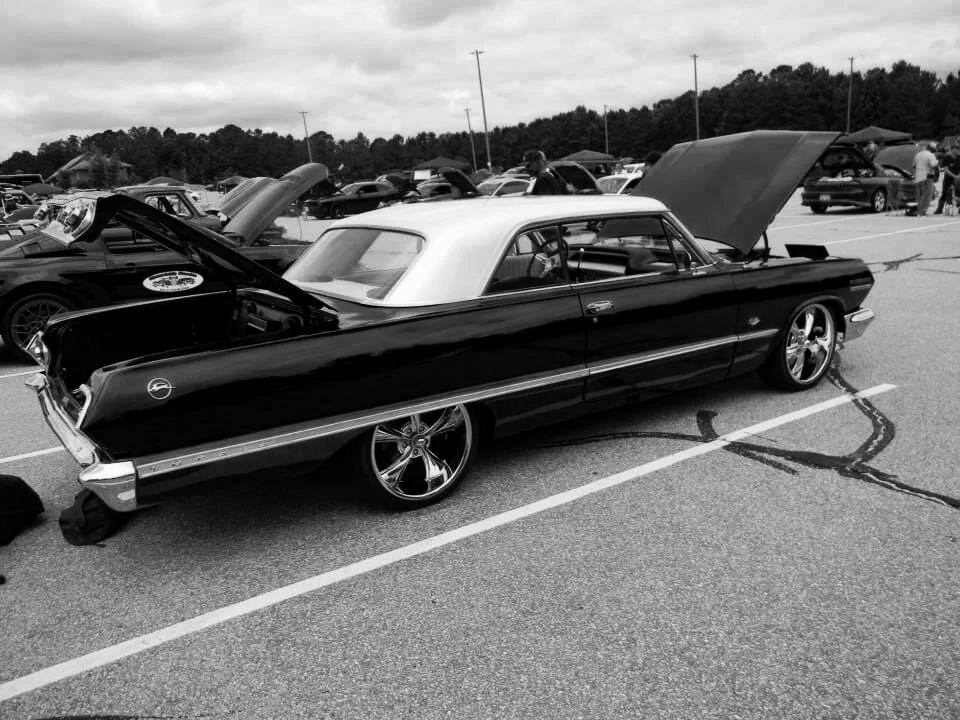
“All Cancers Matter” Virtual Car, Bike, Truck & Jeep Show Registration Instructions
Tips for Posting Your Ride in the “All Cancers Matter” Virtual Car, Bike, Truck & Jeep Show:
To complete the registration process, complete all the required fields on the form to include any information you’ll want to submit such as your social media page. Note: if you would like your email address to be published on your ride’s page after registering, please send an email to lwright@fight4cure.org and request your email to be made visible to the public.
For the Owner Bio, we suggest you share a few details about yourself. Only share what you think others might want to know about you and your enthusiasm for this hobby.
For your ride details, please complete all necessary fields, and do not abbreviate the Make or Model as this could prevent others from locating your ride in the Virtual Show.
For class/category, select the one that best suits your ride.
In the description field, describe your ride (e.g., features) within the maximum number of characters allowed.
Add pictures of your ride. In the review process, we will select the picture from your submission as the “top” image for posting and arrange the remaining pictures as we see best.
Enter your bank card details and click “Register”. Once your registration is complete, you will receive a thank you for registering message on the screen and/or an email at the address provided.
We will post your submission on the Virtual Show page as soon as possible!
The Fight 4 Cure Inc “All Cancers Matter” Car, Bike, Truck & Jeep Show is for entertainment purposes only. Ride descriptions, claims, details and images are provided by the registering individual, and the Fight 4 Cure Inc team makes no claims to their accuracy or validity. If you have any concerns about a posting on the Virtual Show, please email: lwright@fight4cure.org.
